Control Flow in JavaScript: If, Else, and Switch Explained
Control flow in Javascript for conditional statements
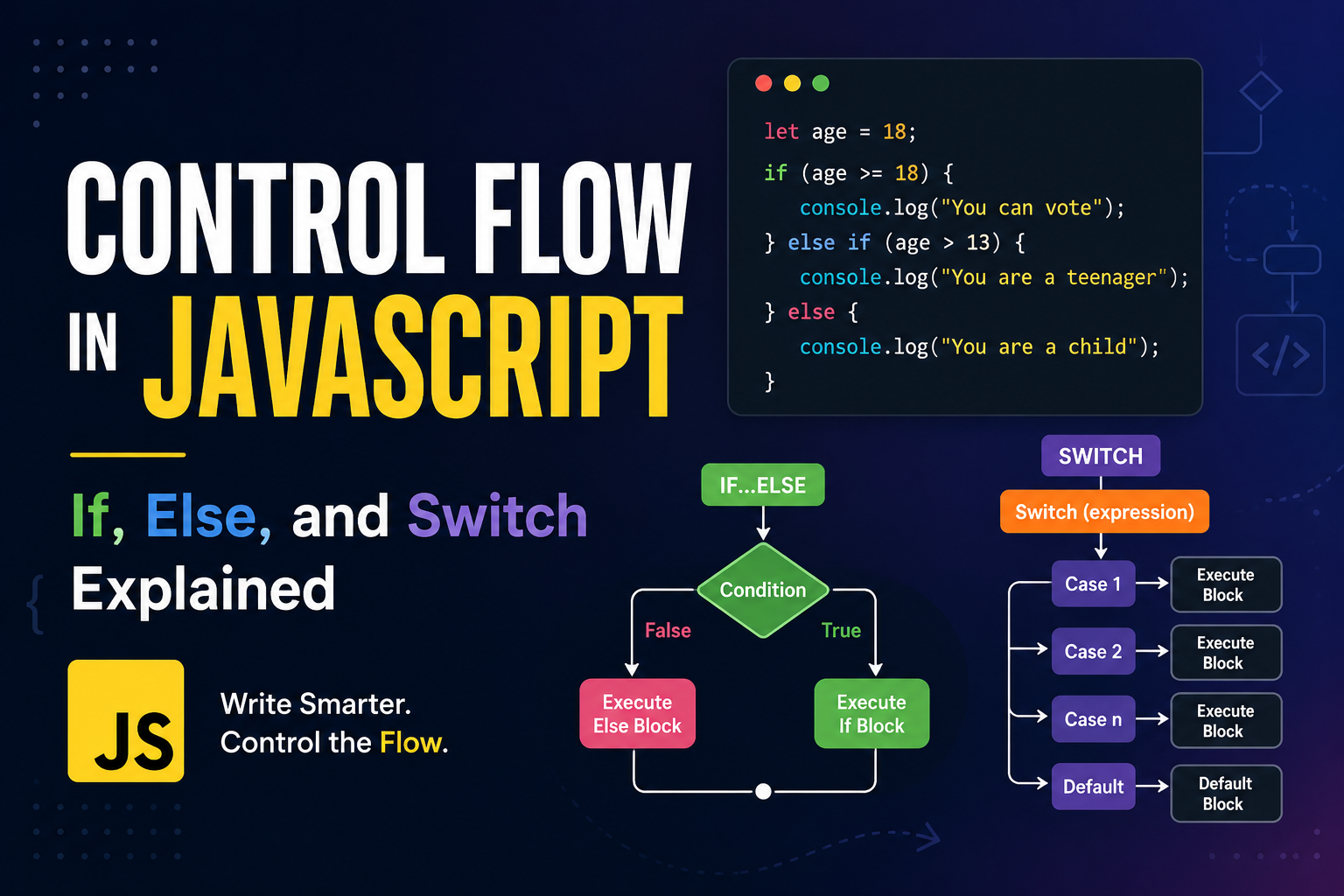
Control flow simply means:
👉 The order in which your code executes (runs). By default, JavaScript runs code line by line (top → bottom).
Here’s a clear step-by-step flow breakdown for each control statement — think like a flowchart in words 👇
ifStatement (Single Decision)🧠 Flow Steps: -> Start -> Check condition 👉 If true → execute block 👉 If false → skip block -> Endif (condition) { // runs only if true }📊 Flow Idea
Start → Condition → (True → Run Code → End) (False → End)
if - elseStatement (Two Paths)🧠 Flow Steps: -> Start -> Check condition 👉 If true → run if block 👉 If false → run else block -> Endif (condition) { // if block } else { // else block }📊 Flow Idea
Start → Condition
├── True → IF block → End
└── False → ELSE block → End
if - else if - else(Multiple Conditions)🧠 Flow Steps: -> Start -> Check first condition 👉 If true → execute block → End 👉 Else → check next condition -> Repeat until: 👉 One condition is true → run block → End 👉 None true → run else block -> Endif (cond1) { // block 1 } else if (cond2) { // block 2 } else { // default block }📊 Flow Idea
Start → cond1? ├── True → Block1 → End
└── False → cond2?
├── True → Block2 → End
└── False → ELSE → End
switchStatement (Multi-Branch Matching)🧠 Flow Steps: -> Start -> Evaluate expression -> Compare with each case 👉 If match found: -> Execute that case -> Stop at break 👉 If no match → run default -> Endswitch (value) { case 1: // code break; case 2: // code break; default: // fallback }
🧠 Final Mental Model
| Statement | Type of Flow | Use Case |
|---|---|---|
if |
Single decision | One condition |
if-else |
Two-way decision | Either A or B |
if-elseif |
Multi conditions | Range/complex logic |
switch |
Multi matching | Fixed values |
🧾 Final Verdict
| Factor | if-else | switch |
|---|---|---|
| Speed | O(n) | O(1) / O(n) |
| Flexibility | ✅ High | ❌ Limited |
| Readability | Medium | High (many cases) |
| Best Use | Logic | Fixed values |
📊 Real Performance Comparison
Few Conditions (≤ 5)
👉 Difference: Almost ZERO
👉 Use: Readability > performanceMany Fixed Values (10+ cases)
👉switchcan be faster
👉 Because engines may optimize itComplex Conditions (x > 10 && x < 20)
👉switchCANNOT handle this
👉 Onlyif-elseworksNon-numeric / Sparse values
👉 Optimization is less predictable
👉 Performance ≈if-elseResult (typical):
👉switchslightly faster only for large sets
👉 Difference = microseconds
Use if-else when:
👉 Conditions involve ranges/logic
👉 Expressions are complex
👉 Fewer branches
Use switch when:
👉 Matching exact values
👉 Many cases (10+)
👉 Cleaner structure needed
If performance really matters, don’t use either: Use Object Lookup (Best Approach)
const map = {
  1: "One",
  2: "Two",
  3: "Three"
};

console.log(map[x]);
✔ Time complexity: O(1)
✔ Cleaner
✔ Scalable