Understanding Variables and Data Types in JavaScript
Explained var, let, const and Data types in Javascript
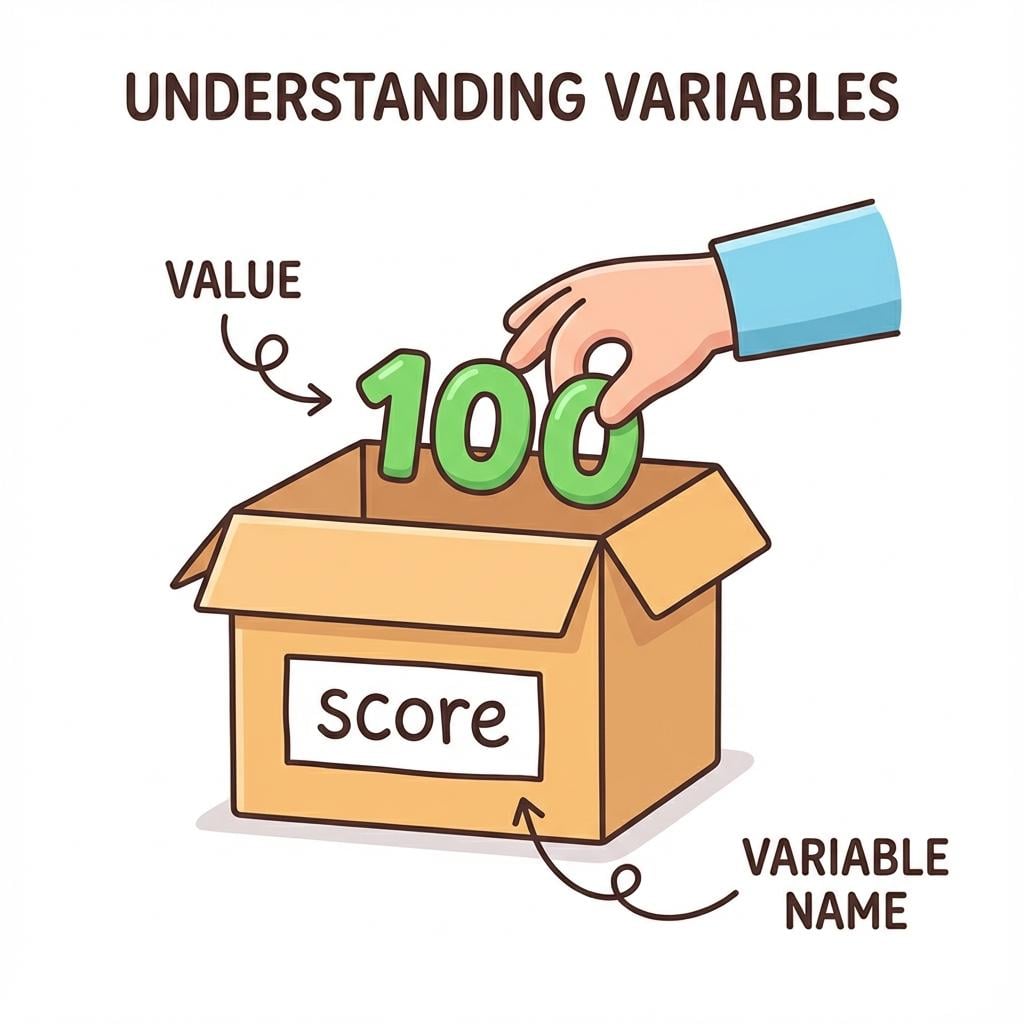
A variable is a container used to store data. Think of it like a labeled box 📦 where you keep something.
let name = "Harshit";
name→ variable (label on the box)"Harshit"→ value (what’s inside the box)
👉 Without variables, you can’t save values.
👉 You write it once, use it many times.
👉 Values can change → programs become interactive.
👉 Variables make logic possible
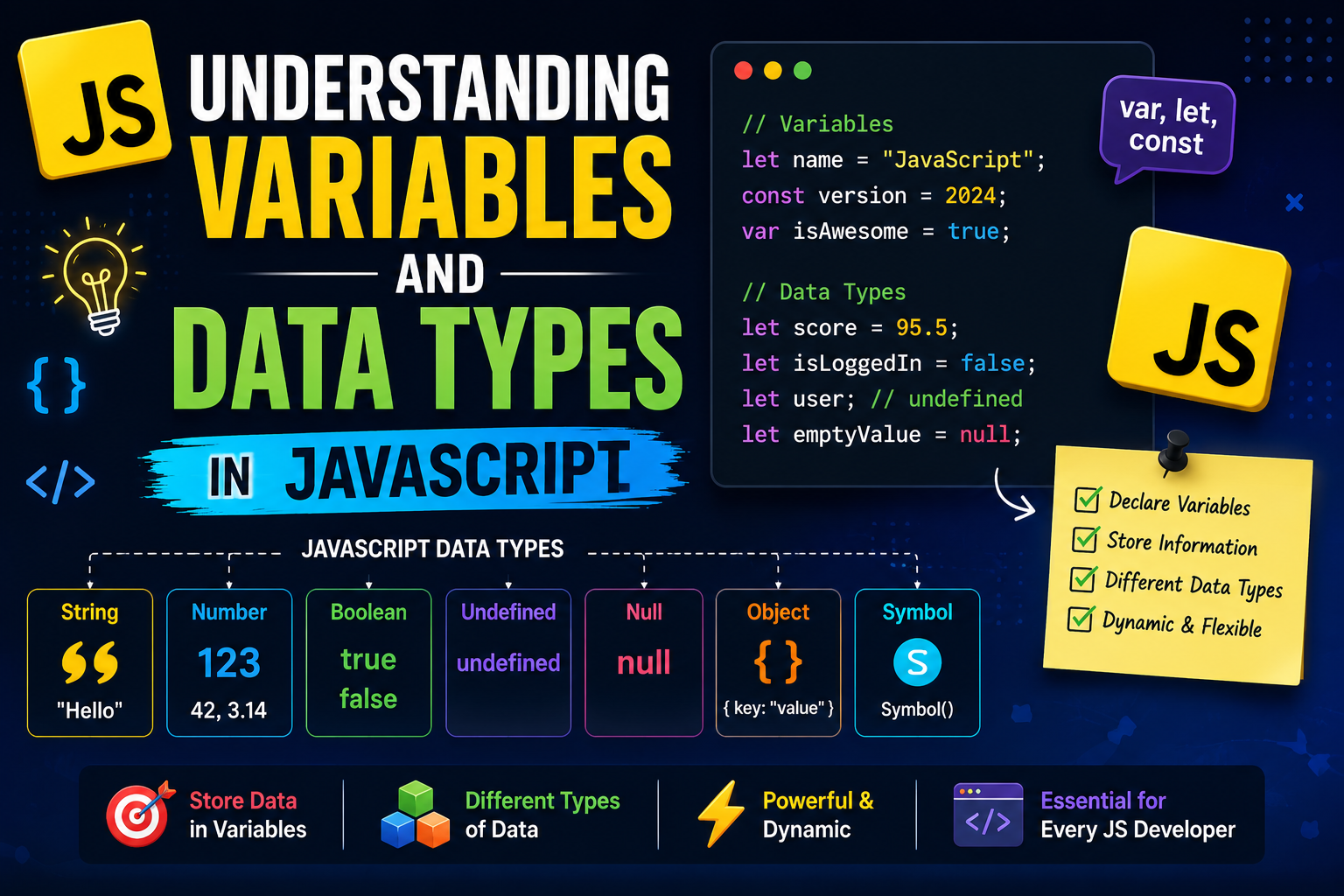
How to declare variables using
var,let, andconst
To declare a variable in JavaScript, you type the keyword (var,let, orconst), followed by the variable name, and optionally use the assignment operator (=) to give it a value.Syntax: var variableName = value; let variableName = value; const variableName = value;Using
varvar name = "John";👉 Can be redeclared
👉 Can be updated
👉 Function scopedvar x = 10; var x = 20; // allowed x = 30; // allowedUsing
letlet age = 25;👉 Cannot be redeclared in the same scope
👉 Can be updated
👉 Block scopedlet age = 25; // let age = 30; error age = 30; // allowedUsing
constconst pi = 3.14; // pi = 3.15; error👉 Cannot be redeclared
👉 Cannot be updated
👉 Block scoped
👉 Must be initialized immediately
👉constprevents reassignment, not mutationconst person = { name: "John" }; person.name = "Alex"; // allowed const crewRoster = ["Alok", "Abhinav", "Tasnish"]; crewRoster[0] = "Shubham"; // crewRoster = ["Someone"]; cann't do this
| Feature | var 🟡 |
let 🔵 |
const 🟢 |
|---|---|---|---|
| Scope | Function scope | Block scope {} |
Block scope {} |
| Hoisting | Yes (initialized as undefined) |
Yes (but in TDZ*) | Yes (but in TDZ*) |
| Re-declaration | Allowed | Not allowed | Not allowed |
| Re-assignment | Allowed | Allowed | Not allowed |
| Initial Value | Optional | Optional | Required |
| Temporal Dead Zone (TDZ) | No | Yes | Yes |
| Global Object Binding | Yes (window.varName) |
No | No |
| Use Case | Legacy code (avoid) | Variables that change | Constants / fixed references |
Seven data types that are primitives (Basic / Immutable)
👉 Primitive = Single value
Boolean:trueandfalse.let isLoggedIn = true;null: A special keyword denoting a null value. (Because JavaScript is case-sensitive,nullis not the same asNull,NULL, or any other variant.)let y = null;undefined: A top-level property whose value is not defined.let x; // x = undefined;Number: An integer or floating point number. For example:42or3.14159.let age = 25;BigInt: An integer with arbitrary precision. For example:9007199254740992n.let big = 12345678901234567890n;String: A sequence of characters that represents a text value. For example:"Howdy".let name = "John";Symbol: A data type whose instances are unique and immutable.let id = Symbol("unique");
Non-Primitive Data Types (Reference Types)
👉 These store collections or complex data
👉 Stored by reference (memory address)
Object
let user = { name: "John", age: 25 };Array
let numbers = [1, 2, 3];Function
function greet() {
  console.log("Hello");
}
console.log(typeof "chaicode");   // string
console.log(typeof 42);           // number
console.log(typeof 42n);          // bigint
console.log(typeof true);         // boolean
console.log(typeof undefined);    // undefined
console.log(typeof null);         // object ⚠️
console.log(typeof Symbol());     // symbol
console.log(typeof {});           // object
console.log(typeof []);           // object ⚠️
console.log(typeof function () {}); // function
Types of Scope in JavaScript
Global Scope
👉 Variable declared outside everything
👉 Can be used anywherelet name = "John"; function greet() { console.log(name); // ✅ accessible }Local Scope (Function Scope)
👉 Variable declared inside a function
👉 Only usable inside the functionfunction greet() { let message = "Hello"; console.log(message); // accessible } // console.log(message); ErrorBlock Scope (
let&const)
👉 Inside{ }likeif,for
👉 Only inside that blockif (true) { let age = 25; console.log(age); // accessible } // console.log(age); ErrorSpecial Case:
var
👉varignores block scope (this is why it's avoided)if (true) { var x = 10; } console.log(x); // works