JavaScript Variables and Data Types: var, let, const Explained
Scope, hoisting, all 8 data types, and the gotchas that confuse beginners
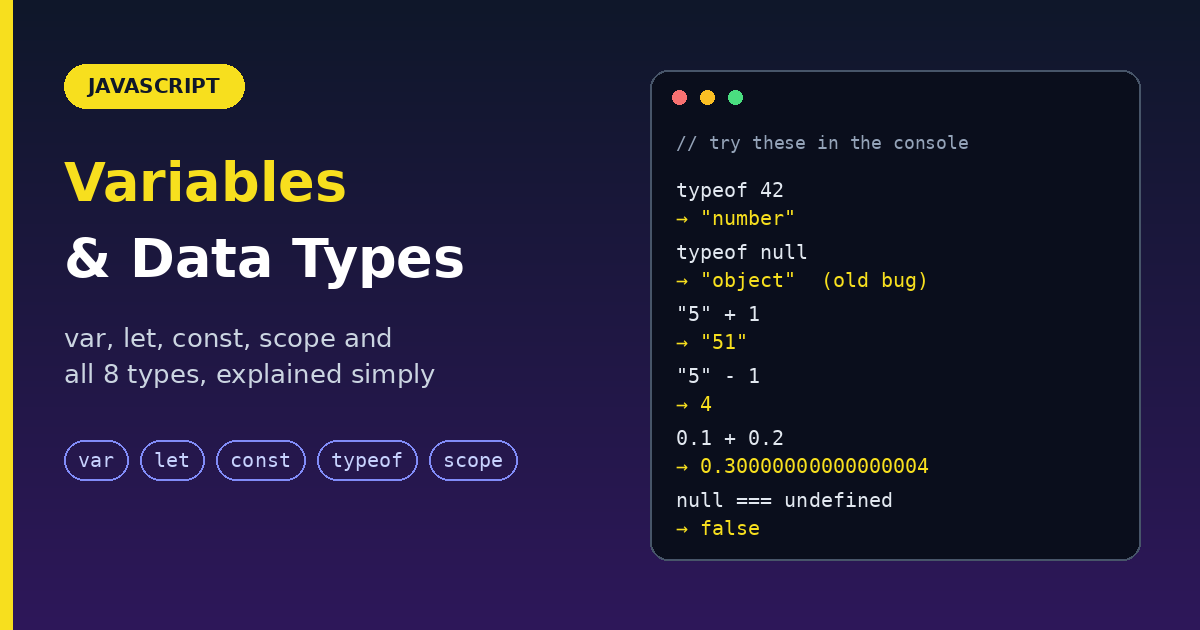
Every program stores data: a username, a price, a list of items. In JavaScript, you store it in variables, and every value has a data type. This guide covers var, let, const and all the data types, scope, with simple examples, return values, and the gotchas that confuse beginners.
What is a variable?
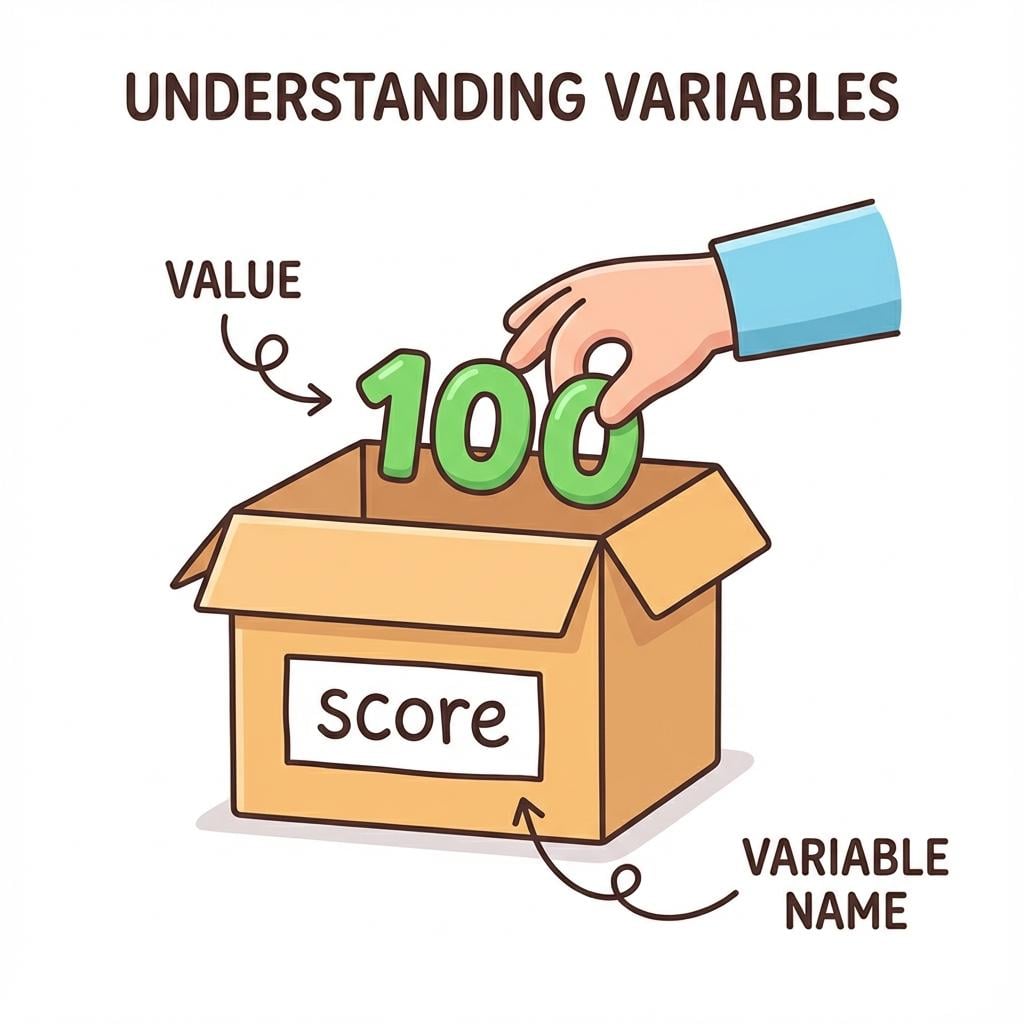
A variable is a container with a label that stores a value. Think of a labeled box 📦.
let name = "Harshit";
nameis the variable (the label on the box)."Harshit"is the value (what is inside the box).
Why variables matter:
Write a value once, use it many times.
Values can change, which makes programs interactive.
They make logic possible, like
if (age >= 18)need something to compare.
Declaring variables: var, let, const
Syntax: keyword + name + optional = value.
var variableName = value;
let variableName = value;
const variableName = value;
var (old way, avoid)
Can be redeclared and updated.
Function-scoped (ignores
{ }blocks).
var x = 10;
var x = 20;   // allowed (redeclared)
x = 30;       // allowed (updated)
let (for values that change)
Cannot be redeclared in the same scope.
Can be updated.
Block scoped.
let age = 25;
age = 30;          // allowed
// let age = 40;   // SyntaxError: 'age' has already been declared
const (for values that do not change)
Cannot be redeclared or reassigned.
Block scoped.
Must be given a value immediately.
const pi = 3.14;
// pi = 3.15;      // TypeError: assignment to constant variable
// const x;        // SyntaxError: missing initializer
const Blocks reassignment, not mutation
const Protects the variable, not the contents of an object or array.
const person = { name: "John" };
person.name = "Alex";          // allowed (changing inside)
// person = { name: "Sam" };   // TypeError (reassigning)

const crew = ["Alok", "Abhinav", "Tasnish"];
crew[0] = "Shubham";           // allowed
crew.push("Riya");             // allowed
// crew = ["Someone"];         // TypeError
To truly lock an object, use Object.freeze(person).
Comparison table
| Feature | var 🟡 |
let 🔵 |
const 🟢 |
|---|---|---|---|
| Scope | Function | Block {} |
Block {} |
| Hoisting | Yes (starts as undefined) |
Yes (but in TDZ) | Yes (but in TDZ) |
| Redeclare | Allowed | Not allowed | Not allowed |
| Reassign | Allowed | Allowed | Not allowed |
| Initial value | Optional | Optional | Required |
| Temporal Dead Zone | No | Yes | Yes |
Becomes window.name |
Yes (top level) | No | No |
| Use case | Old code (avoid) | Values that change | Fixed references |
Rule of thumb: start with const. Switch to let only if you need to reassign. Skip var.
Hoisting and the Temporal Dead Zone (TDZ)
Hoisting means declarations are registered before any code runs. What you can do with the variable before its line depends on the keyword.
console.log(a);   // undefined  (var is hoisted and set to undefined)
var a = 5;

console.log(b);   // ReferenceError: cannot access 'b' before initialization
let b = 5;
let and const are hoisted too, but they sit in the Temporal Dead Zone from the start of the scope until the line where they are declared. Touching them there throws an error, which is good: it catches bugs early.
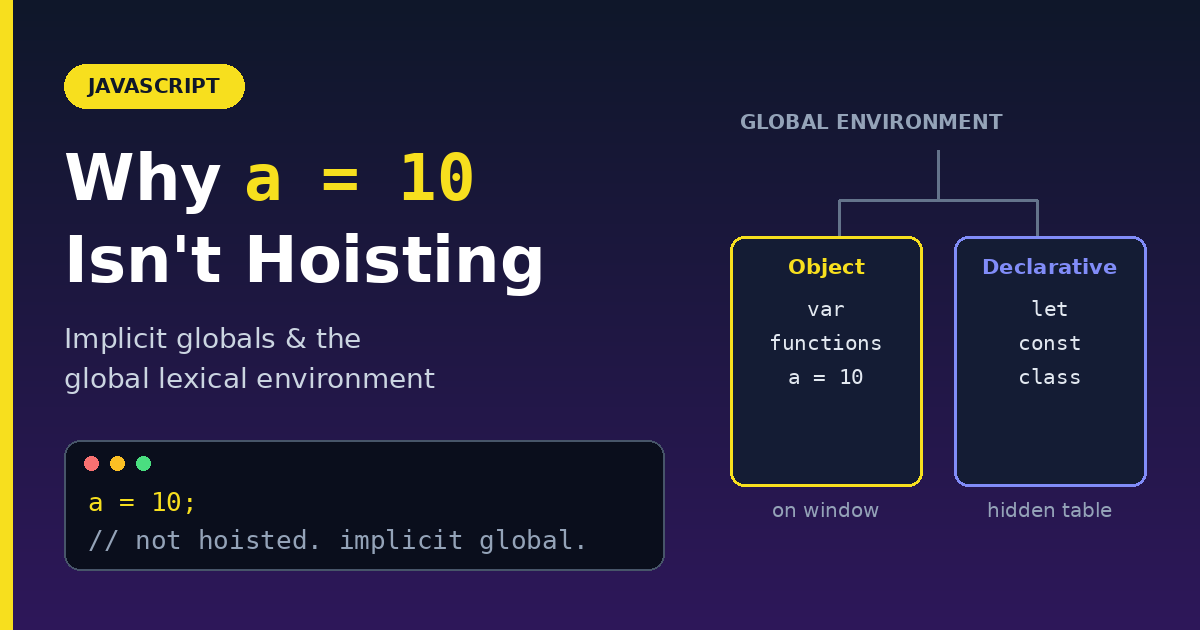
Gotcha: forgetting the keyword. price = 99; With no declaration, it creates an implicit global in sloppy mode. Add "use strict"; at the top of your file to turn this into an error.
Naming rules
| Rule | Example |
|---|---|
Letters, digits, _, $ are allowed |
user_1, $price |
| Cannot start with a digit | 1user is invalid |
| Case-sensitive | age and Age are different |
| No reserved words | let, class, return are invalid |
Convention: camelCase |
firstName, isLoggedIn |
Choose names that describe the value: totalPrice beats tp.
Data types
JavaScript has 7 primitive types and 1 non-primitive (objects).
Primitives hold a single value and are immutable (the value itself cannot be changed). They are copied by value.
1. Boolean
Only true or false.
let isLoggedIn = true;
2. Number
Integers and decimals share one type.
let age = 25;
let price = 99.99;

1 / 0;               // Infinity
"abc" * 2;           // NaN (Not a Number)
typeof NaN;          // "number" (yes, really)
NaN === NaN;         // false (use Number.isNaN(x))
0.1 + 0.2;           // 0.30000000000000004 (floating point)
Number.MAX_SAFE_INTEGER;   // 9007199254740991
3. BigInt
Integers of any size. Add n at the end.
let big = 12345678901234567890n;
typeof big;          // "bigint"
// 1n + 1;           // TypeError: cannot mix BigInt and Number
1n + 1n;             // 2n
4. String
Text. Use single quotes, double quotes, or backticks (template literals).
let name = "John";
let greeting = `Hello, ${name}!`;   // "Hello, John!"

name[0];             // "J"
name[0] = "X";       // ignored: strings are immutable
5. undefined
A variable that was declared but has no value yet. JavaScript sets it for you.
let x;
console.log(x);      // undefined
6. null
You set this on purpose to mean "empty" or "no value".
let selectedUser = null;
undefined vs null: undefined is "JavaScript has no value here". null is "I am saying there is nothing here".
null == undefined;    // true  (loose equality)
null === undefined;   // false (strict equality, use this)
null is case-sensitive: Null and NULL are not keywords.
7. Symbol
A guaranteed-unique value, often used as a hidden object key.
const id1 = Symbol("id");
const id2 = Symbol("id");
id1 === id2;          // false (always unique)
Non-primitive: Object (including Array and Function)
These store collections or complex data and are copied by reference (a pointer to the memory location).
let user = { name: "John", age: 25 };   // Object
let numbers = [1, 2, 3];                // Array
function greet() { console.log("Hello"); }   // Function
Value vs reference: the key difference
// Primitives: copied by value
let a = 1;
let b = a;
b = 2;
console.log(a);       // 1 (unaffected)

// Objects: copied by reference
let o1 = { x: 1 };
let o2 = o1;
o2.x = 99;
console.log(o1.x);    // 99 (same object!)
The typeof operator
Returns: a string naming the type.
typeof "chaicode";       // "string"
typeof 42;               // "number"
typeof 42n;              // "bigint"
typeof true;             // "boolean"
typeof undefined;        // "undefined"
typeof Symbol();         // "symbol"
typeof {};               // "object"
typeof function () {};   // "function"

typeof null;             // "object" ⚠️ (an old bug, kept for compatibility)
typeof [];               // "object" ⚠️ (arrays are objects)
Better checks:
value === null;           // is it null?
Array.isArray(value);     // is it an array?
Type conversion and truthy/falsy
JavaScript often converts types for you, which can surprise you.
"5" + 1;           // "51"  (+ joins when a string is involved)
"5" - 1;           // 4     (- converts to number)
Convert on purpose:
Number("42");      // 42
Number("abc");     // NaN
String(123);       // "123"
Boolean("");       // false
parseInt("42px");  // 42
Falsy values act as false in an if. There are only 8:
false, 0, -0, 0n, "", null, undefined, NaN
Everything else is truthy, including "0", [], and {}.
Rule: use === (strict equality) instead of == to avoid hidden conversions.
Scope: where a variable can be used
Scope decides where a variable is visible.
Global scope
Declared outside everything. Usable anywhere.
let name = "John";

function greet() {
  console.log(name);   // accessible
}
Keep globals to a minimum. They can be changed from anywhere.
Function (local) scope
Declared inside a function. Usable only inside it.
function greet() {
  let message = "Hello";
  console.log(message);   // accessible
}
// console.log(message);  // ReferenceError
Block scope (let and const)
Inside { } such as if or for. Usable only inside that block.
if (true) {
  let age = 25;
  console.log(age);   // accessible
}
// console.log(age);  // ReferenceError
Special case: var ignores blocks
if (true) {
  var x = 10;
}
console.log(x);   // 10 (leaked out of the block)
The classic loop bug
for (var i = 0; i < 3; i++) {
  setTimeout(() => console.log(i), 0);
}
// 3, 3, 3   (one shared `i`)

for (let j = 0; j < 3; j++) {
  setTimeout(() => console.log(j), 0);
}
// 0, 1, 2   (a new `j` for every loop)
Scope chain and shadowing
JavaScript looks for a variable in the current scope, then moves outward. An inner variable with the same name shadows the outer one.
let city = "Delhi";

function show() {
  let city = "Jaipur";   // shadows the outer city
  console.log(city);     // "Jaipur"
}

show();
console.log(city);       // "Delhi"
Common mistakes
| Mistake | Fix |
|---|---|
Using var |
Use const or let |
Using let when the value never changes |
Use const |
Thinking const makes objects immutable |
Use Object.freeze() |
Checking arrays with typeof |
Use Array.isArray() |
Checking null with typeof |
Use === null |
Comparing with == |
Use === |
| Mixing BigInt and Number | Convert one first |
Forgetting const x = ... |
Always declare; use "use strict" |
Quick reference: the 8 types
| Type | Example | typeof |
|---|---|---|
| Boolean | true |
"boolean" |
| Number | 42, 3.14 |
"number" |
| BigInt | 9007199254740992n |
"bigint" |
| String | "hello" |
"string" |
| undefined | let x; |
"undefined" |
| null | null |
"object" ⚠️ |
| Symbol | Symbol("id") |
"symbol" |
| Object (incl. Array, Function) | {}, [], function(){} |
"object" / "function" |
Wrap up
A variable is a labeled container. Declare it with
constby default,letwhen it changes, and avoidvar.There are 7 primitives (copied by value) and objects (copied by reference).
typeof nullis"object"andtypeof []is"object". Use better checks.letandconstare block-scoped;varis function-scoped and leaks out of blocks.Use
===, and add"use strict"so mistakes fail loudly.
Run every example in your browser console. Seeing the results yourself is the fastest way to remember them.